Create WEKA Azure Cluster
Overview
Creating the clusters will be done with WEKA CDM. This will generate a Terraform file that is used to create the WEKA cluster.
Prerequisites
Admin Access in Azure
Resource Group created in Azure. If using the WEKA lab use East-US
WEKA CDM access
Experience with Terraform
CDM Generate Config
In WEKA CDM choose Azure
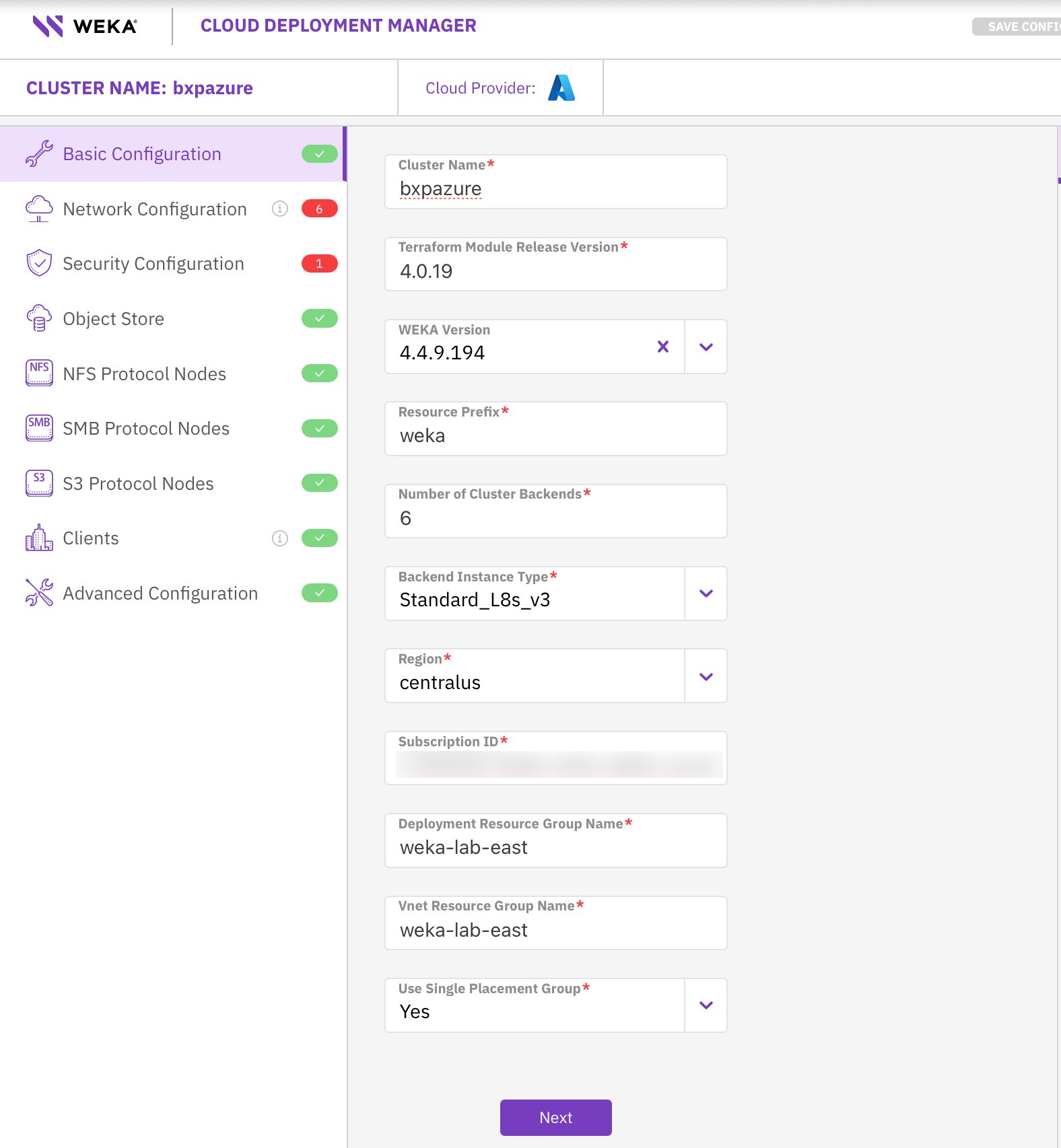
Fill out the required fields on the Basic page that don’t have defaults
Cluster Name
Subscription ID
Deployment Resource Group Nam
Vnet Resource Group Name
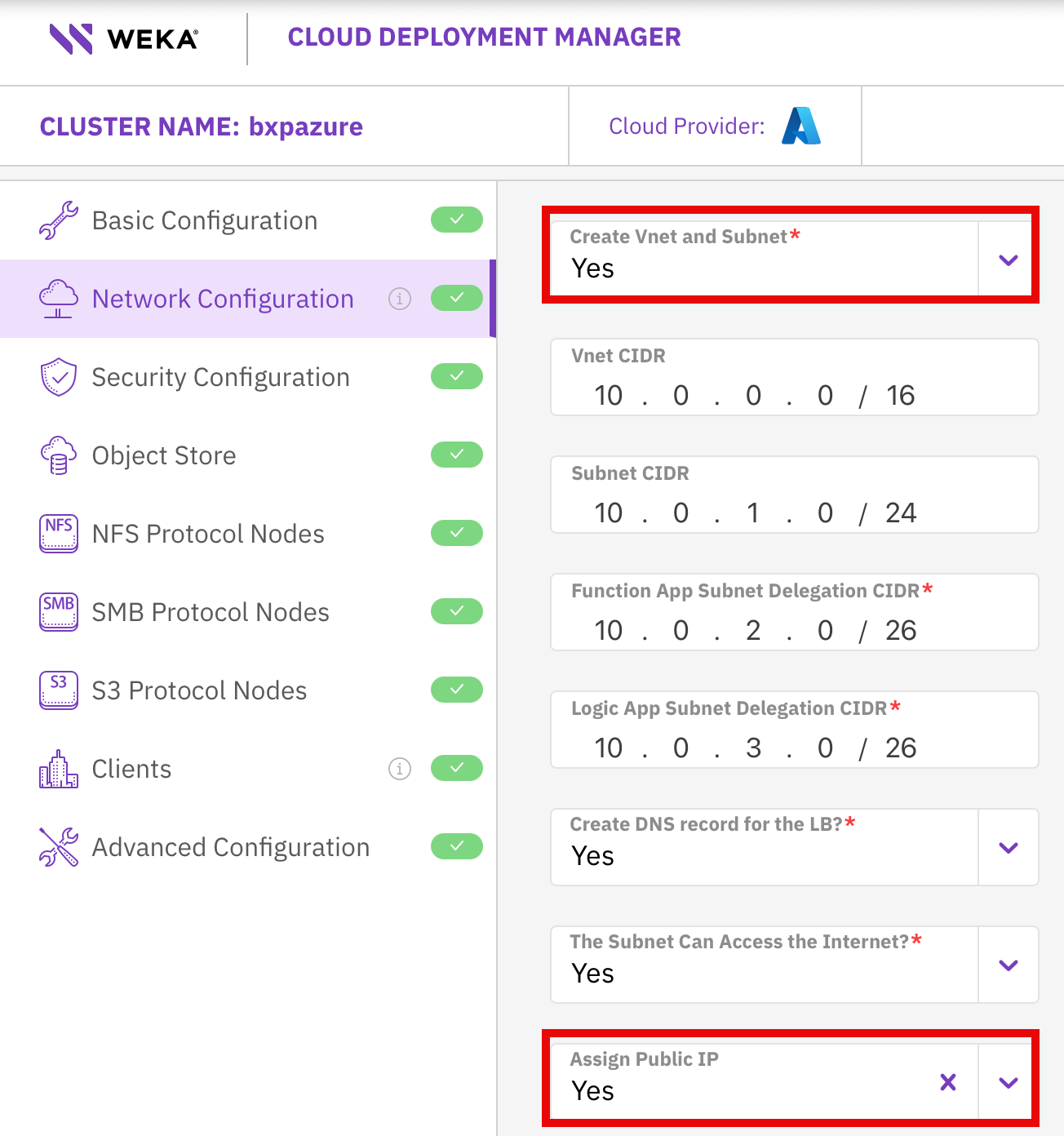
On the Network Configuration page
Change “Create Vnet and Subnet” to Yes
Change “Assign Public IP” to Yes
Note
We are assigning a public IP in the lab so we can connect remotely.
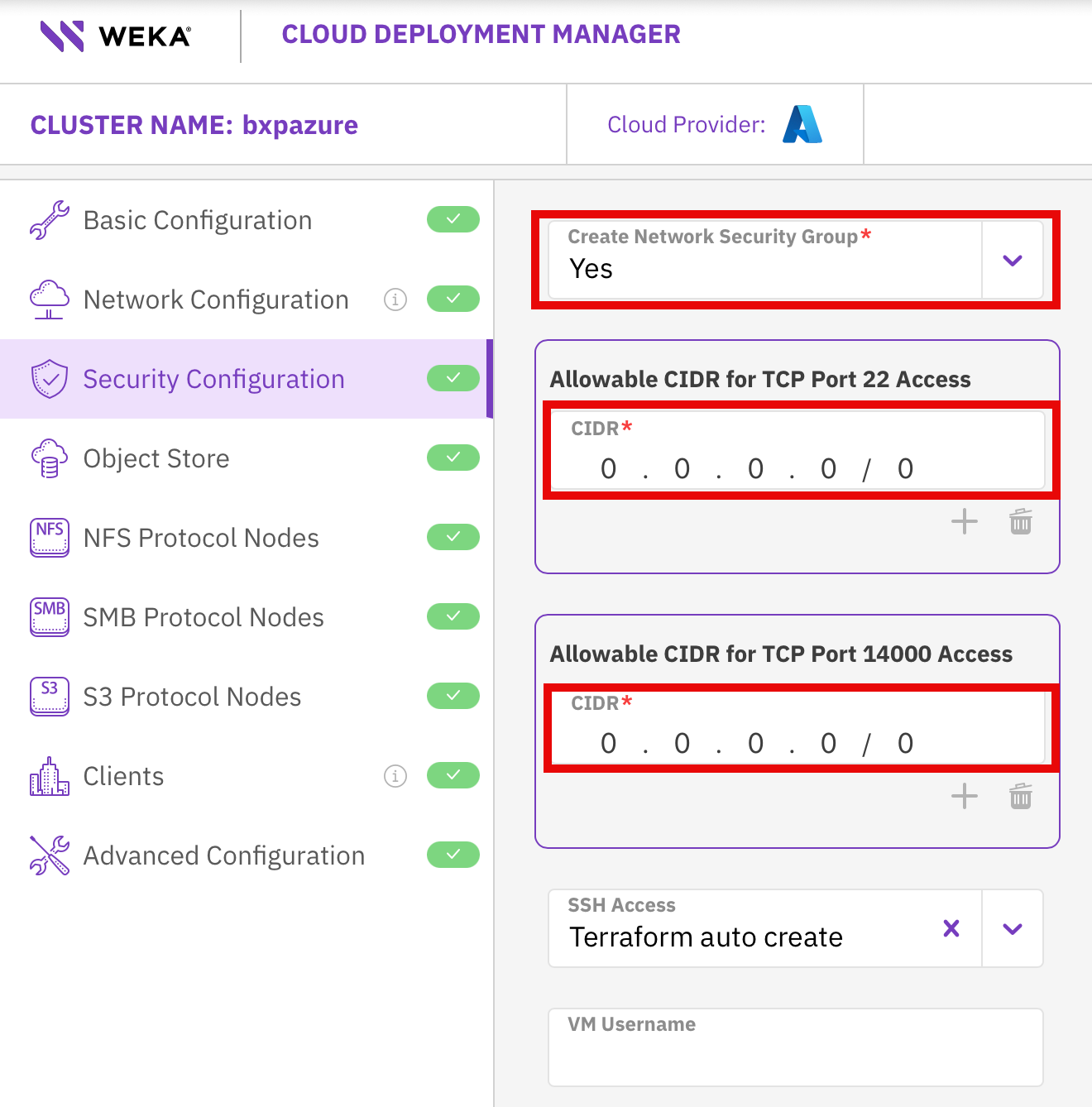
On the Security Configuration page change
Change “Create Network Security Group” to Yes
On “Allowable CIDR for TCP Port 22 Access” add 0.0.0.0/0
On “Allowable CIDR for TCP Port 14000 Access” add 0.0.0.0/0
Note
We are using 0.0.0.0/0 in the lab so we can connect remotely. In a production deployment these should be set to valid ranges.
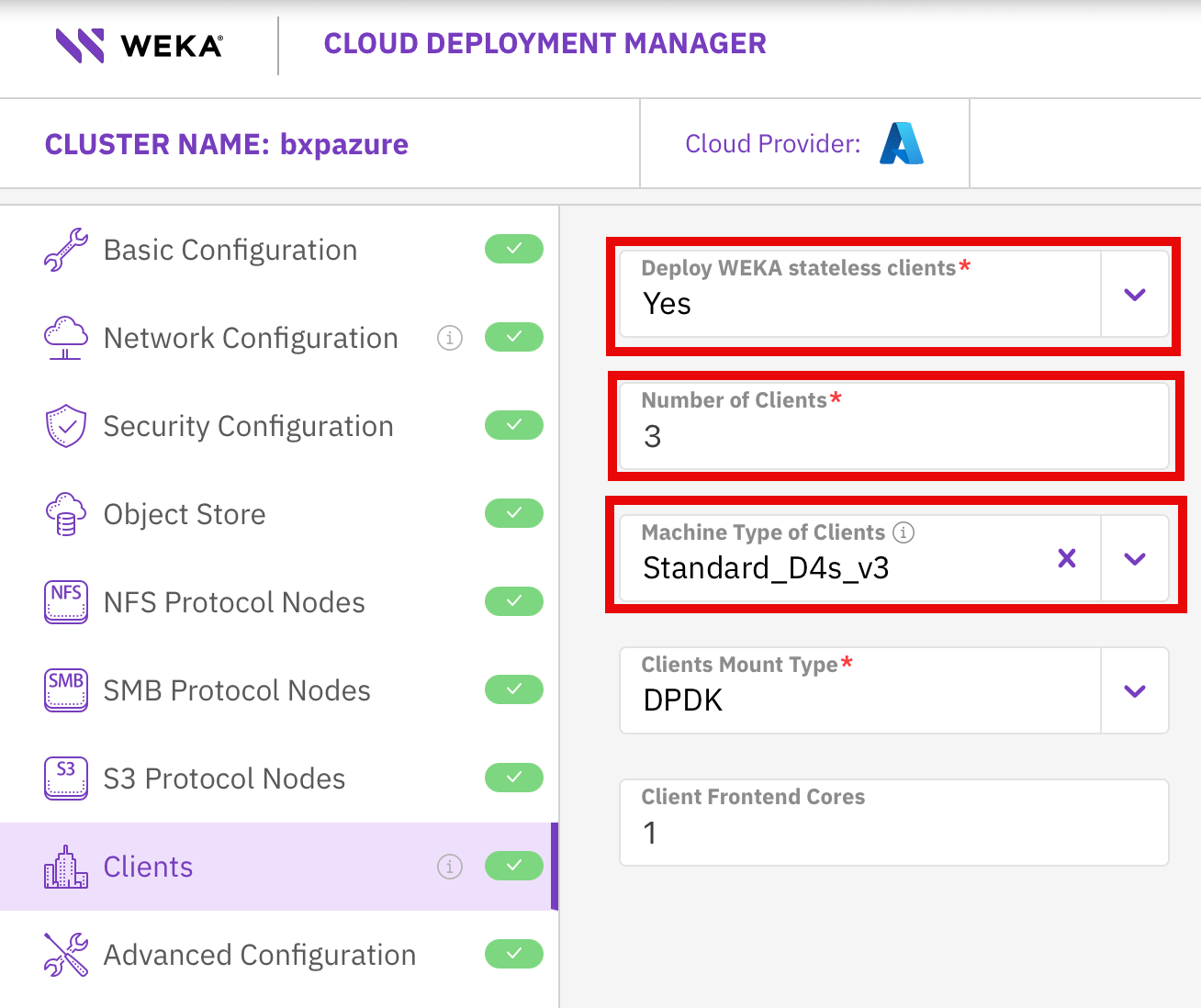
On the Clients page change
Change “Deploy WEKA stateless clients” to yes
Set “Number of Clients to 3.
Change :Machine Type of Clients” to Standard_D4s_v3
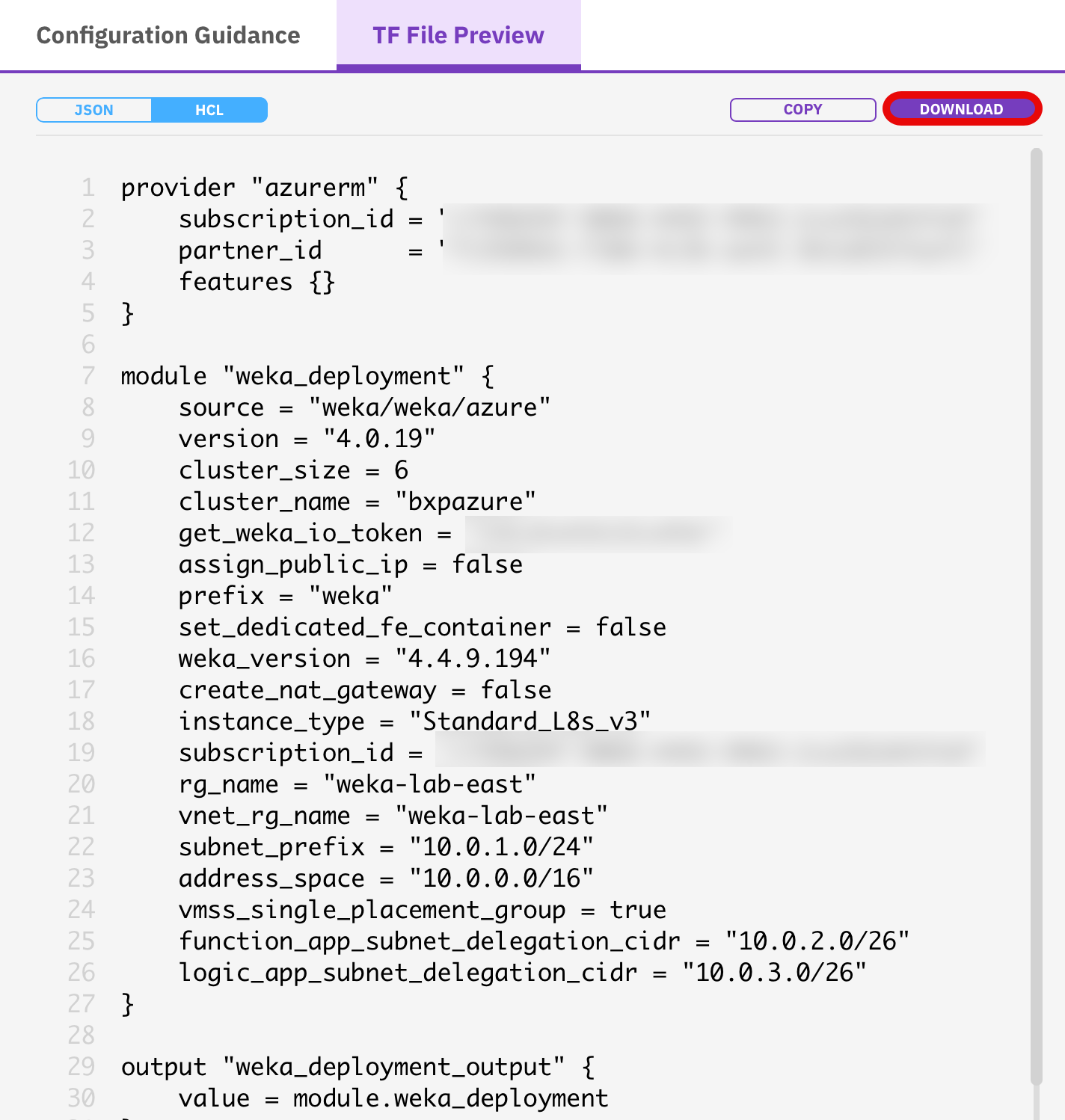
On the right hand side download the generated Terraform file
Create Cluster
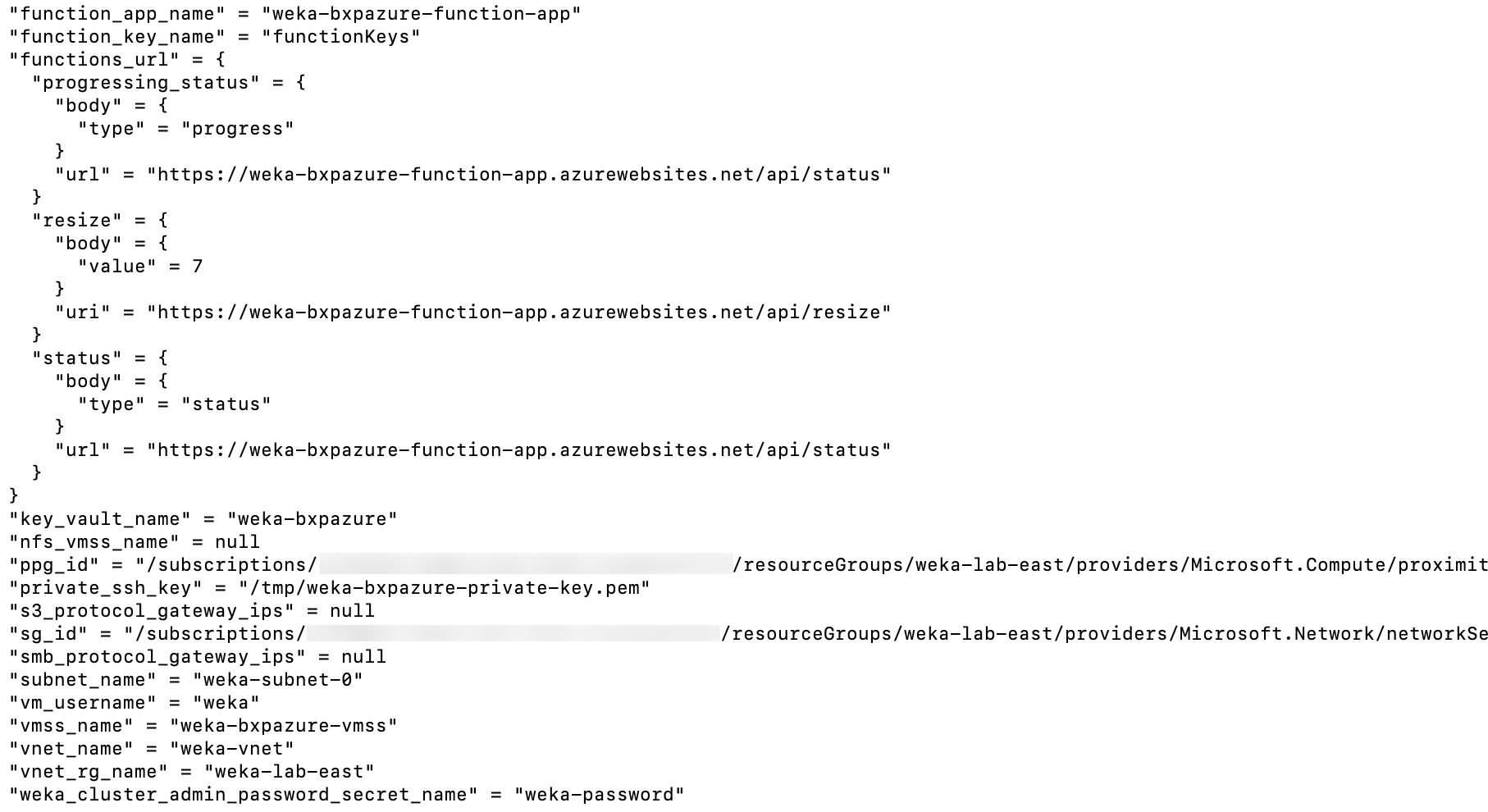
Run terrafrom init and terraform apply. You should get an output simialr to the below.
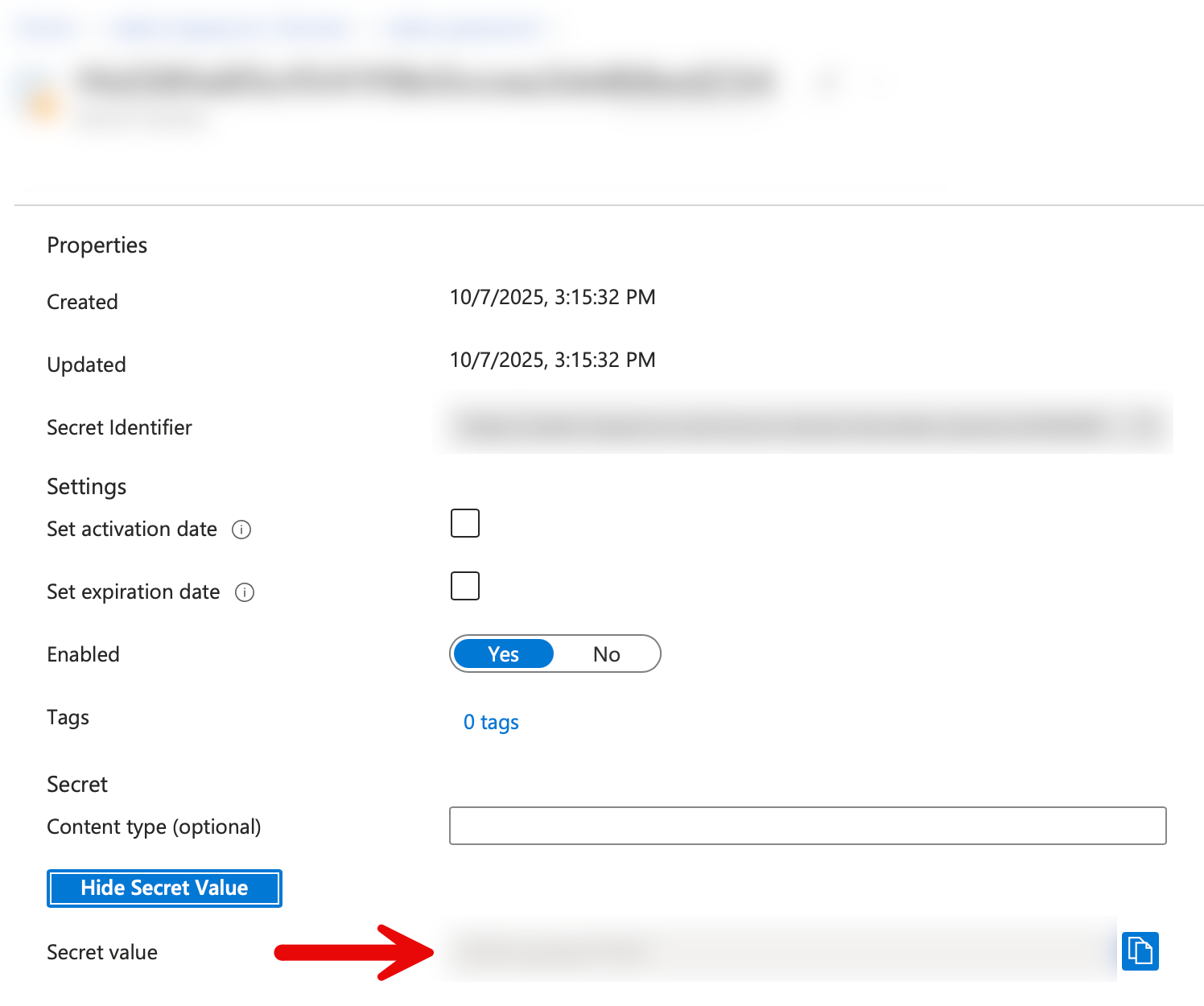
Retrive your WEKA admin password from the Azure Key Vault. Navigate to the newly created Key Vault >> Objects >> Secrets > weka password >> current version >> show secret value